AppConfig
Full Microsoft Entra™ App Management
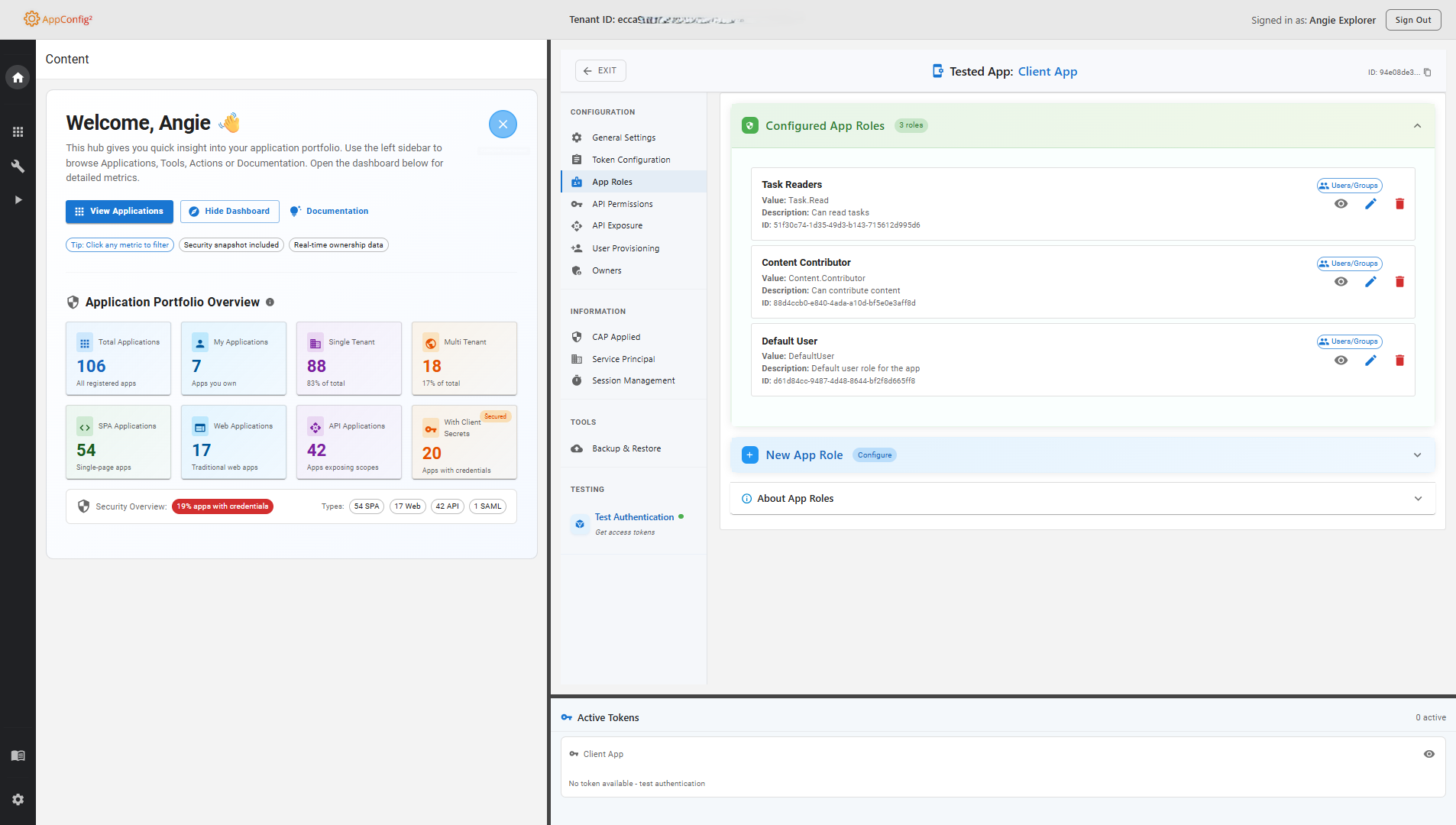
Troubleshoot authentication flows with full token decode and Graph Explorer — make configuration changes with confidence, knowing every edit is backed by automatic snapshots that let you restore tested apps to their previous state in seconds.
Without AppConfig:
Typical triage effort3+ hours per issue
- Install Fiddler, configure HTTPS decryption, capture traffic manually — 3+ hours per issue
- Paste tokens into jwt.ms, navigate the Azure portal, run Postman queries separately
- Every config change is risky — no automatic backup, hard to revert
- No audit trail of configuration changes — diagnosing what broke after an incident means digging through Azure Activity Logs manually
With AppConfig:
Typical triage effortMinutes, not hours
- Select app, test auth flow, decode tokens instantly — everything in one browser tab
- Configure redirect URIs, claims policies, and app roles without leaving the tool
- Automatic backup before every change — one-click restore if anything breaks
- Full snapshot history per app — compare configurations across time and restore previously tested state in seconds
Why AppConfig?
The Azure Portal is good for basic app tasks, but deep troubleshooting means switching between Fiddler, Postman, jwt.ms, Powershell, and the portal — jumping back and forth for hours. AppConfig replaces that entire toolchain with a single, purpose-built interface that has safety guardrails built in.
No Toolchain Required
Test OAuth flows, decode tokens, inspect claims, and configure settings — without Fiddler, Postman, jwt.ms, or multiple portal blades.
Safe Configuration Changes
Every configuration change is preceded by an automated backup. If something breaks, a one-click restore brings your app back to its previous state.
End-to-End in One Interface
Select an app, test authentication, inspect the token, adjust configuration, and verify the result — the complete loop without leaving the tool.
How It Works
1. Sign in with Microsoft Entra ID
Use your Microsoft Entra ID account to sign in to the tool.
2. Test different app configurations
Change Redirect URIs, add custom claims, validate tokens and much more.
3. Restore your app's configuration
You can always restore your app's original configuration using automated backups.
Who is AppConfig for?
Purpose-built for teams who need full control over Microsoft Entra ID app registrations.
Level 3 Support
Troubleshoot complex application issues with a single tool — no Fiddler, no separate token decoder, no portal context-switching.
Developers
Test OAuth2/OIDC authentication flows, validate token claims, and iterate on Entra ID integrations end-to-end.
IT Administrators
Manage app registrations, configure permissions, test flows, and access portal deep-links — all in one interface.
Security Engineers
Validate authentication configurations and review app settings against organizational policies.
Key Features
Full-stack Entra ID app management — testing, configuration, and analysis in one tool.
Test Authentication Flows
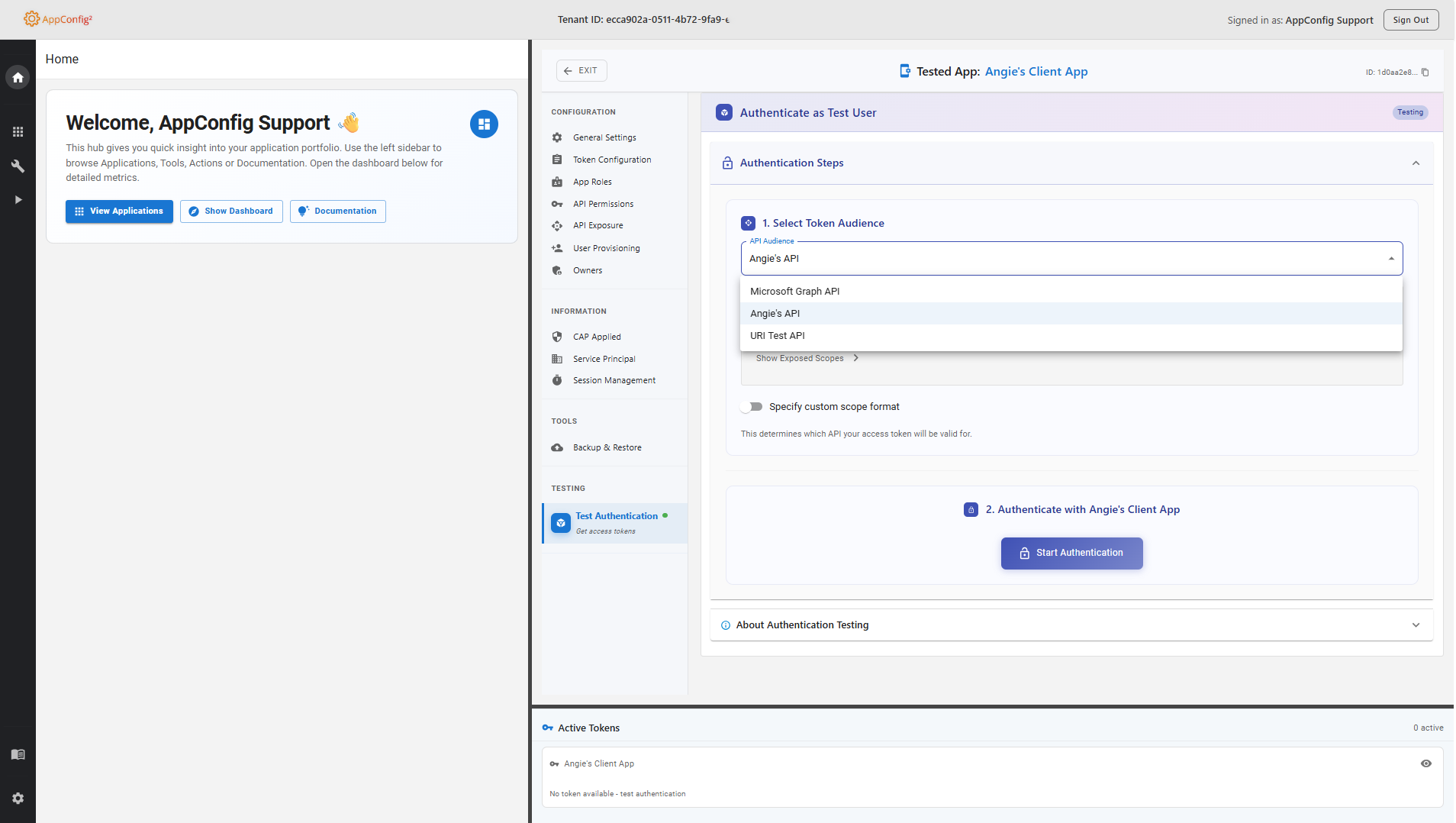
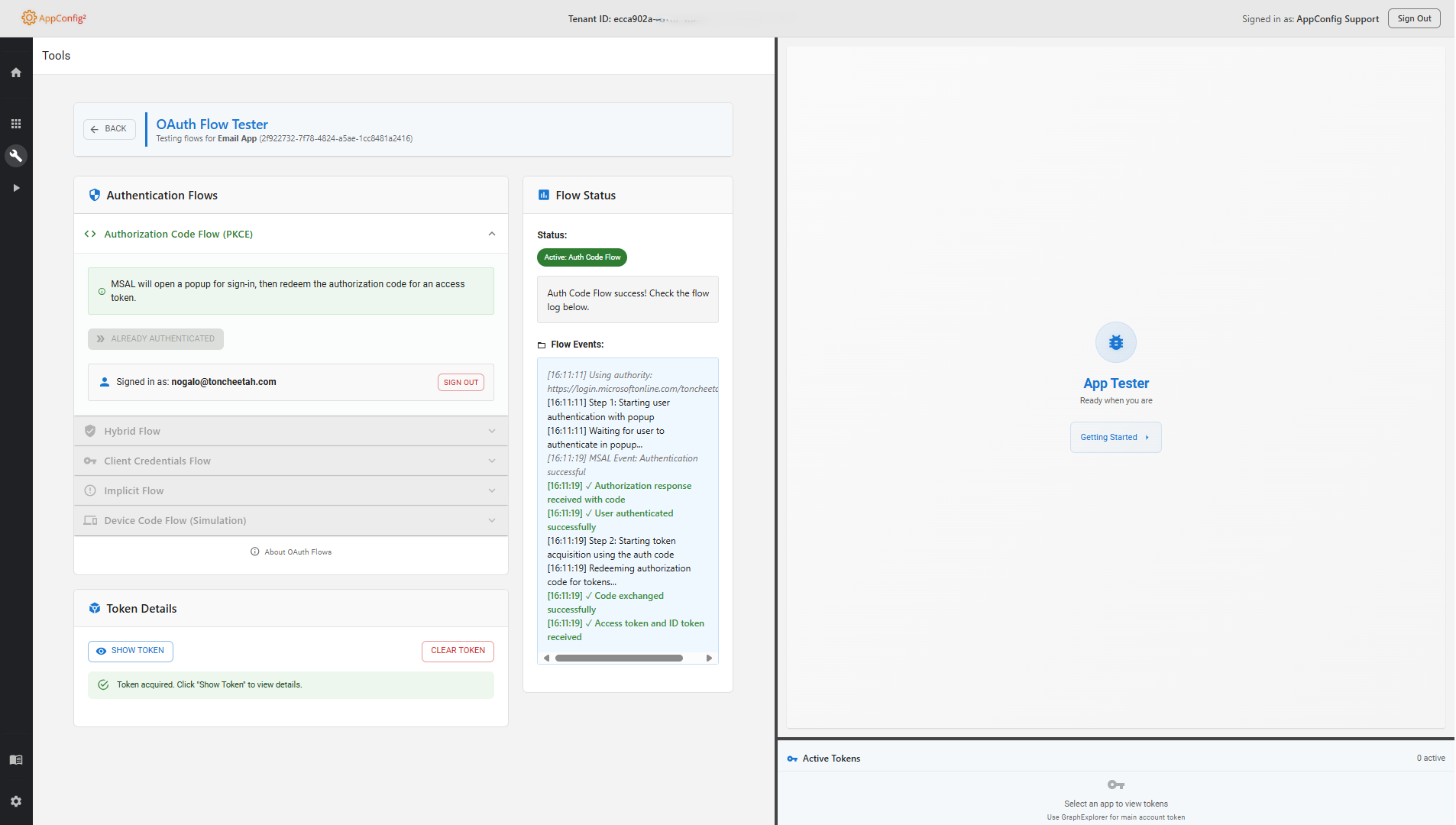
Validate OAuth2/OIDC authentication flows and token responses end-to-end, directly in the browser.
Token Analysis & Decoding
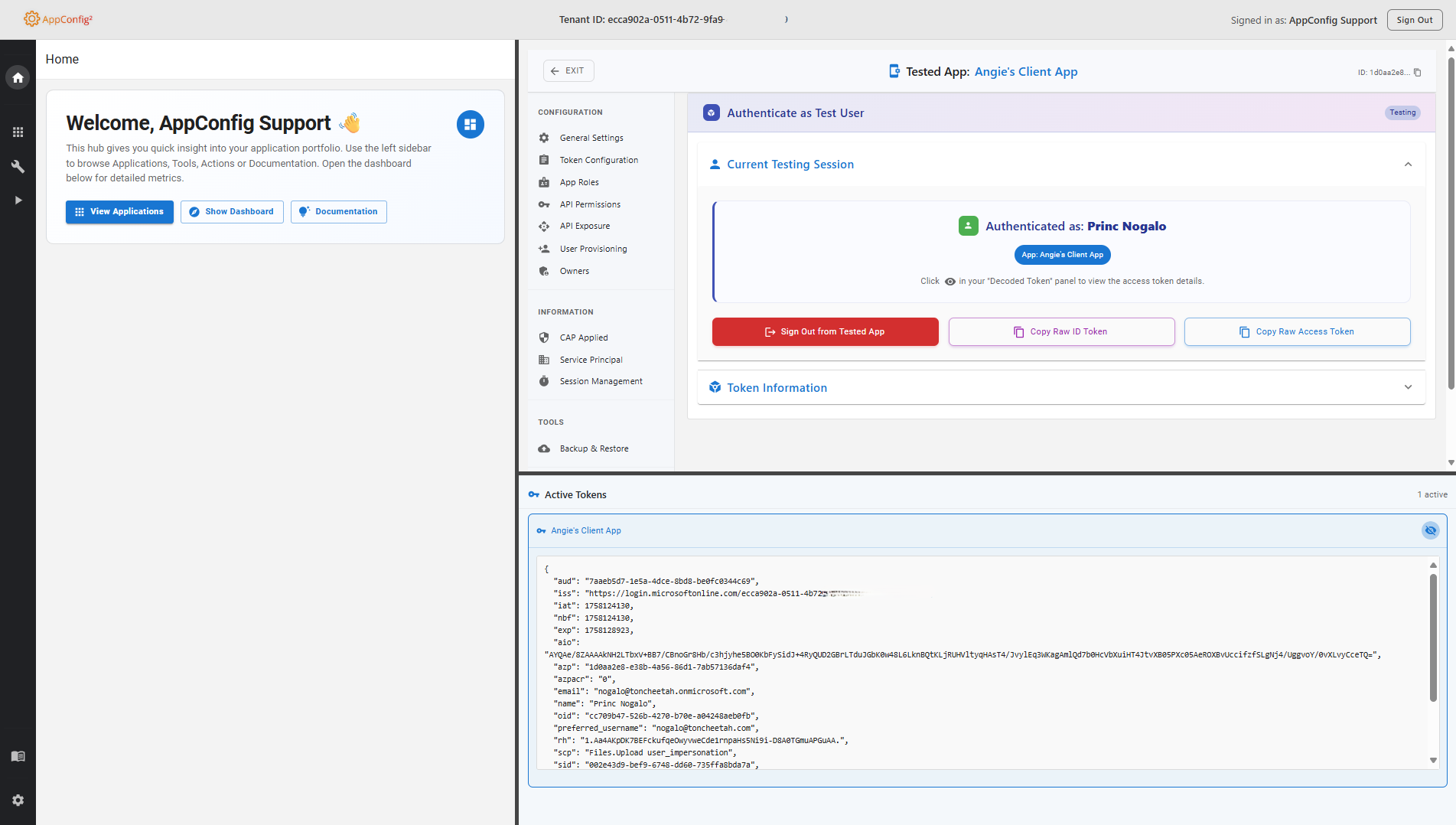
Decode and inspect OAuth and OIDC tokens with real-time claims analysis and annotation.
Troubleshooting Diagnostics
Identify misconfigured redirect URIs, missing permissions, and broken authentication flows directly in the browser.
Configure Redirect URIs
Add or remove redirect URIs on the fly to troubleshoot authorization and redirect issues.
Claims Mapping Policies
Create, edit, and assign claims mapping policies to customize token content for your apps.
App Roles & Permissions
Configure application roles and API permissions with purpose-built management tools.
Backup & Restore
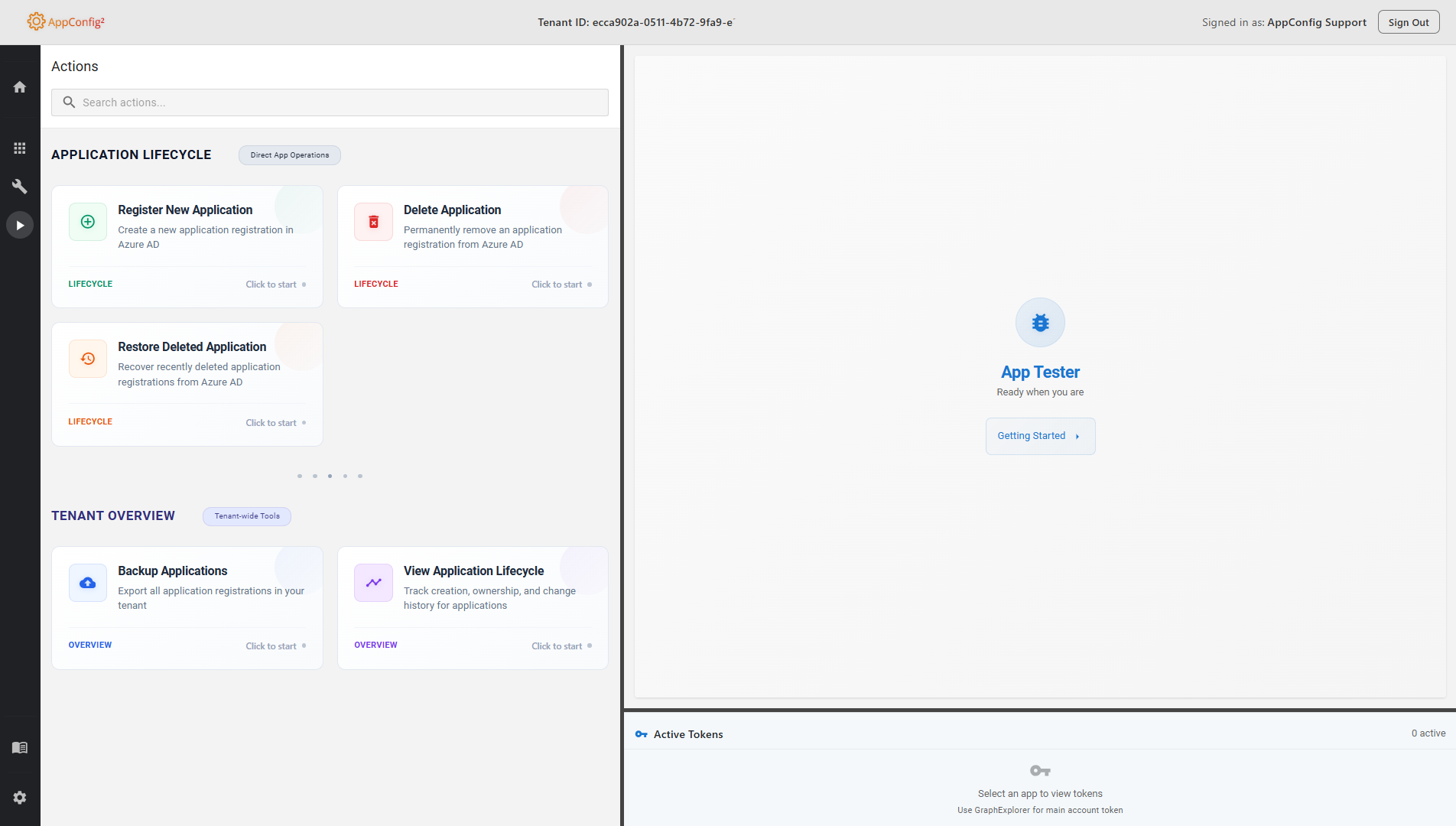
Automated backups before every configuration change with one-click restore capabilities.
Embedded Graph Explorer
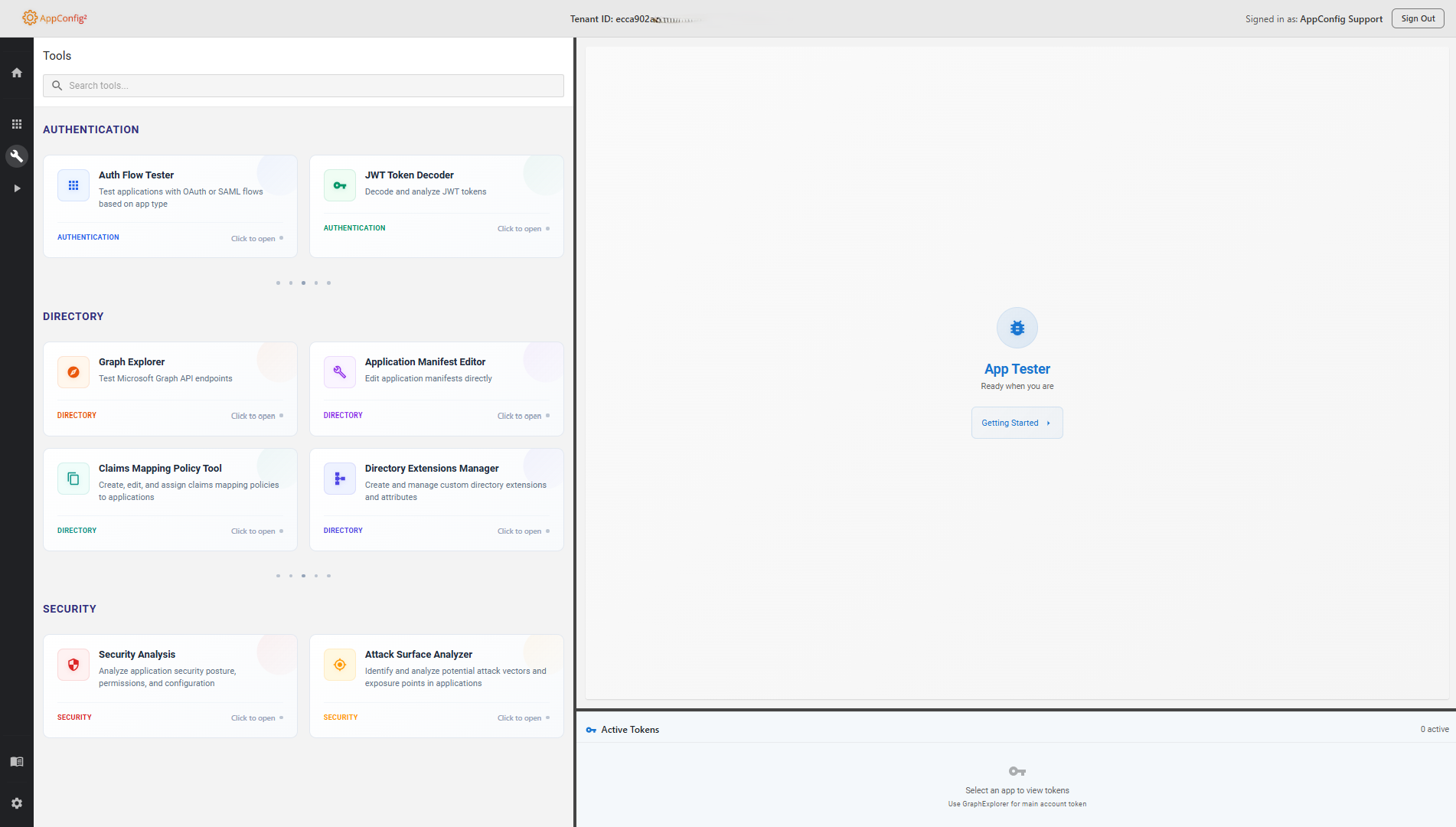
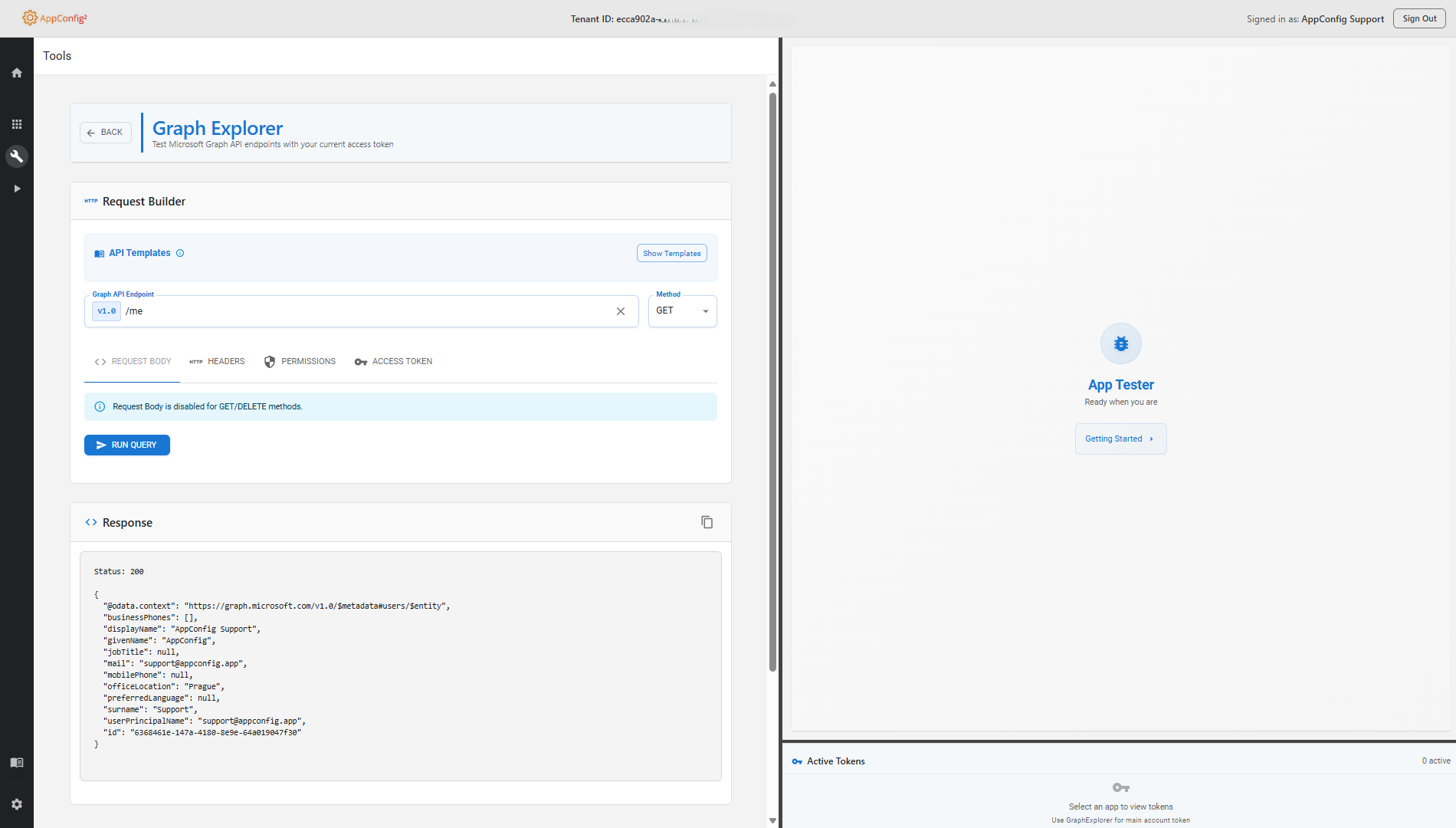
Analyze app configuration with an integrated Graph API explorer — execute queries without leaving the tool.
Conditional Access Insights
View all conditional access policies applied to your applications in a single, unified view.
See AppConfig in Action
Watch the promo video, then browse screenshots of every feature
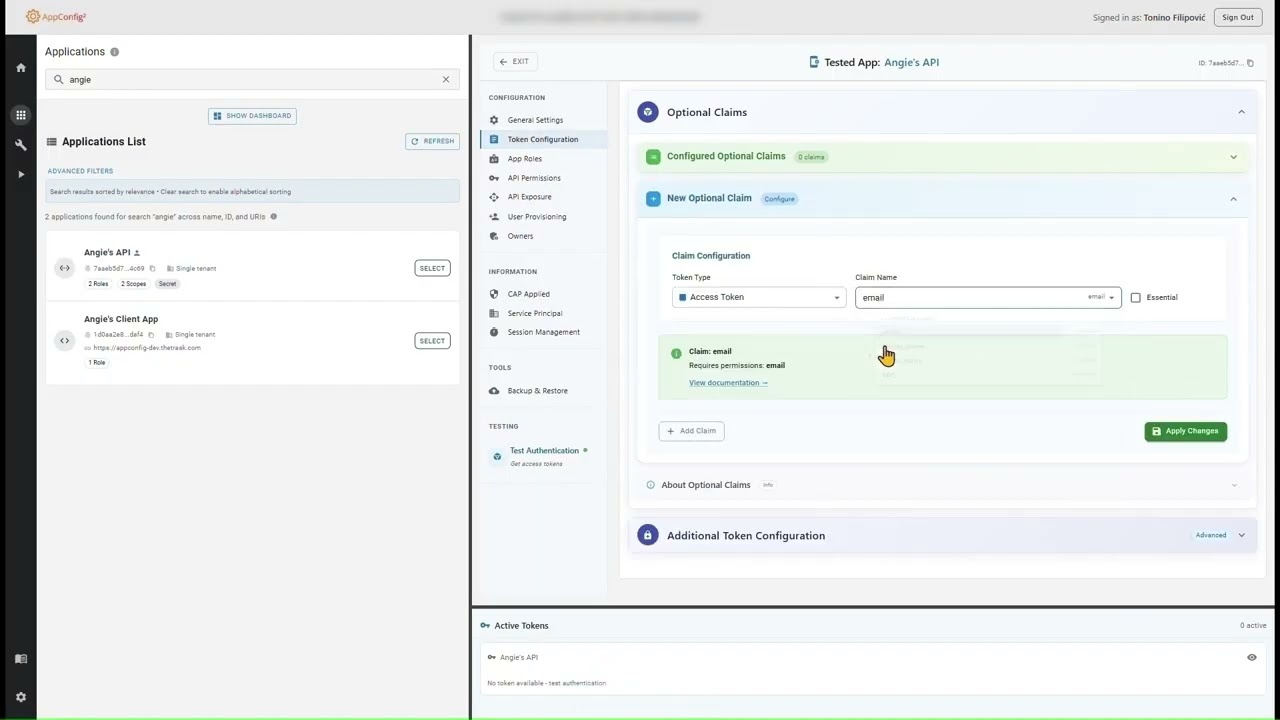
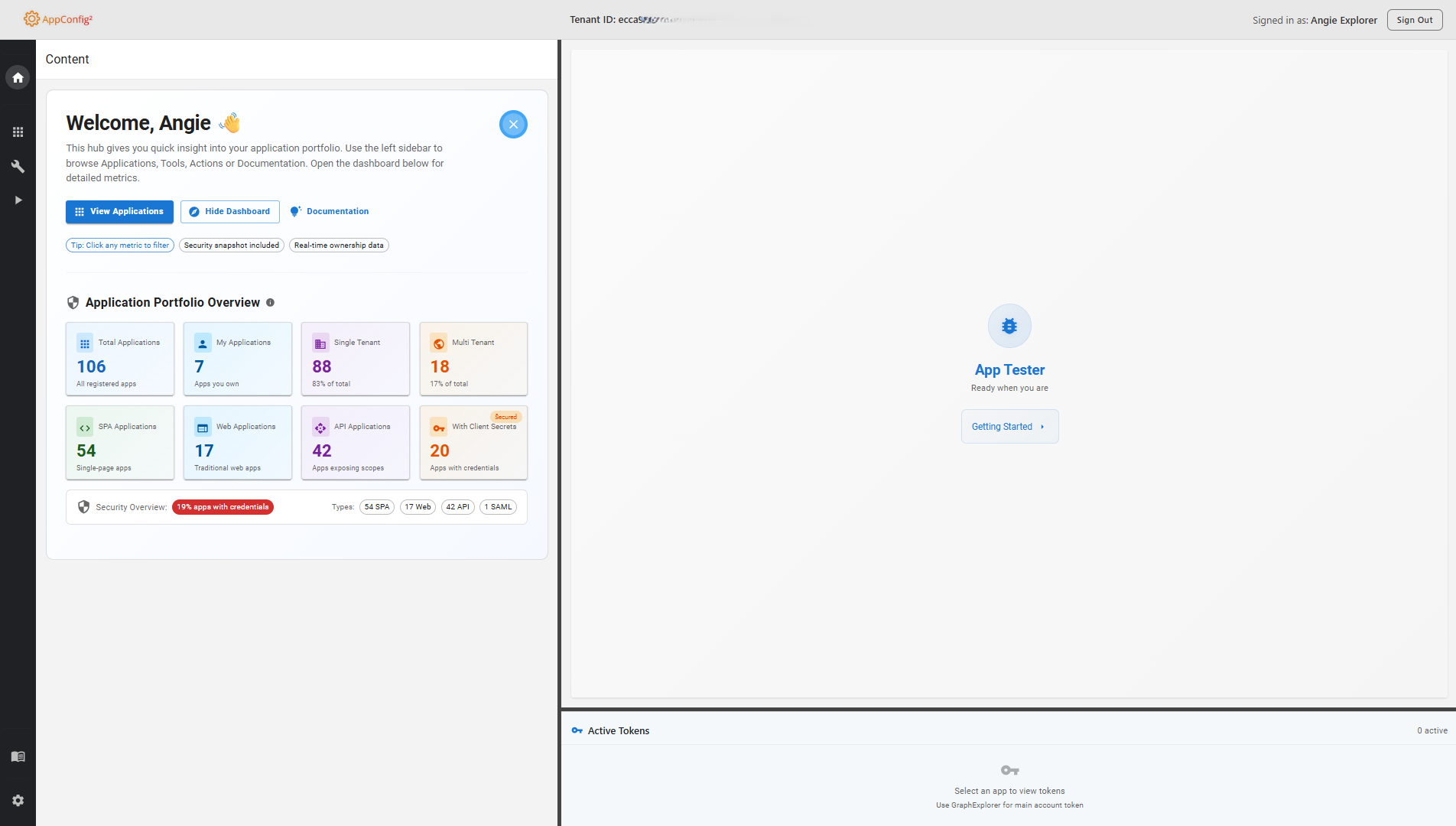
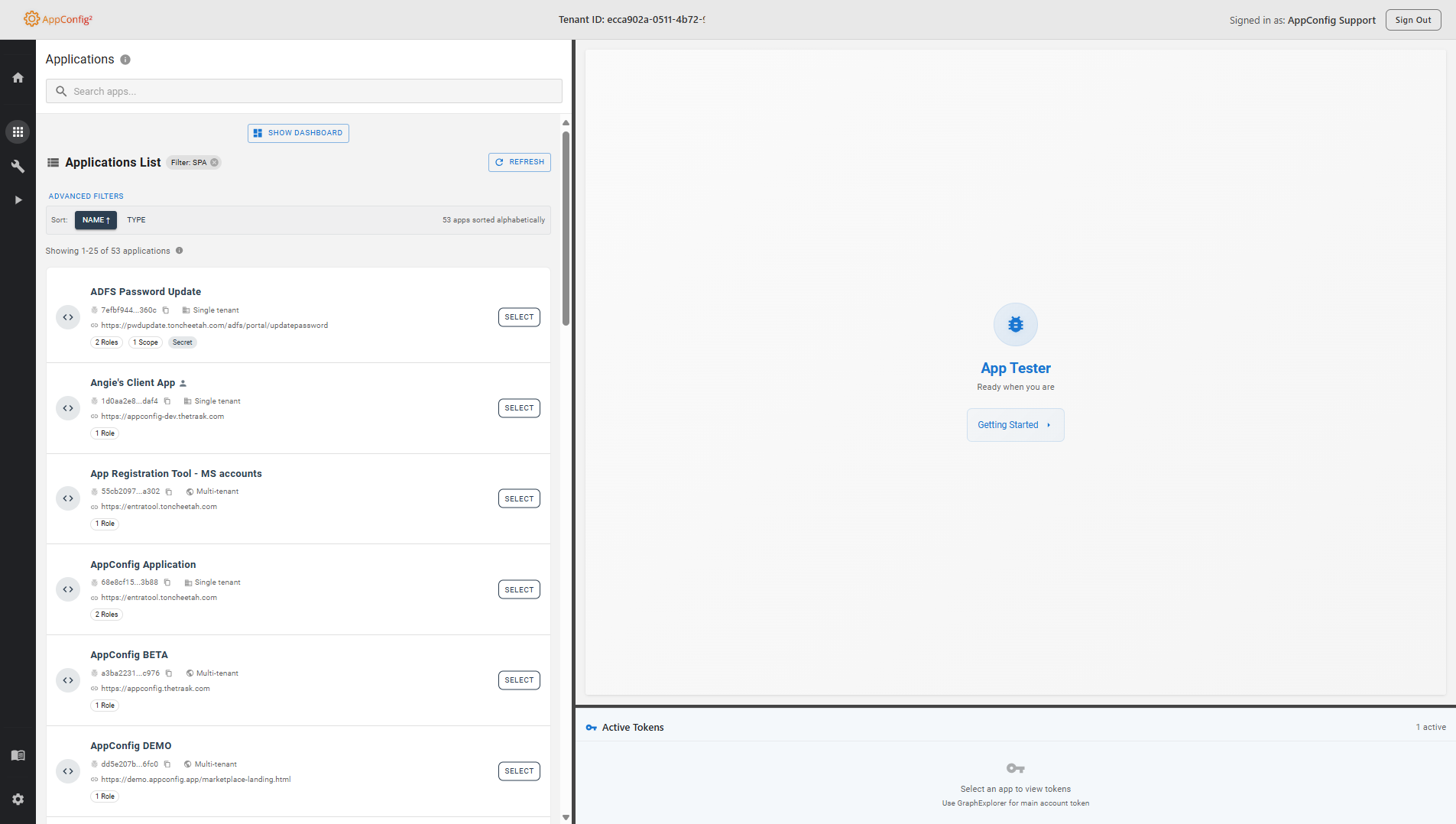
Screenshots — click to enlarge
Now Available on Azure Marketplace
Get AppConfig directly from Azure Marketplace with seamless integration into your Azure environment and comprehensive IAM capabilities.
Azure Integration
Native Azure billing and subscription management
Enterprise Ready
Enterprise-grade security built on Microsoft's trusted Azure infrastructure
Professional Support
Dedicated technical support and documentation
Instant Deployment
Deploy directly from Azure Marketplace in minutes
AppConfig
1-Month
FREE TRIAL
Start with a full-featured 1-month trial for operations teams, IAM professionals, developers and IT administrators
- Full access to all premium features
- Azure native billing and management
- Professional technical support
- Enterprise-grade security and compliance
- No setup fees or commitments
About AppConfig
Specialized Identity and Access Management tool designed by IAM professionals for developers, support teams, and IT administrators working with Microsoft Entra ID.
IAM Focused
Built exclusively for Microsoft Entra ID workflows
Significantly Faster
Reduce troubleshooting from hours to minutes
Safe Testing
Automated backups before every configuration change
Practitioner Built
Tools designed by IAM engineers for IAM engineers
Have Questions? Get in Touch!
Want a free consultation or early access? Reach out to us today.